

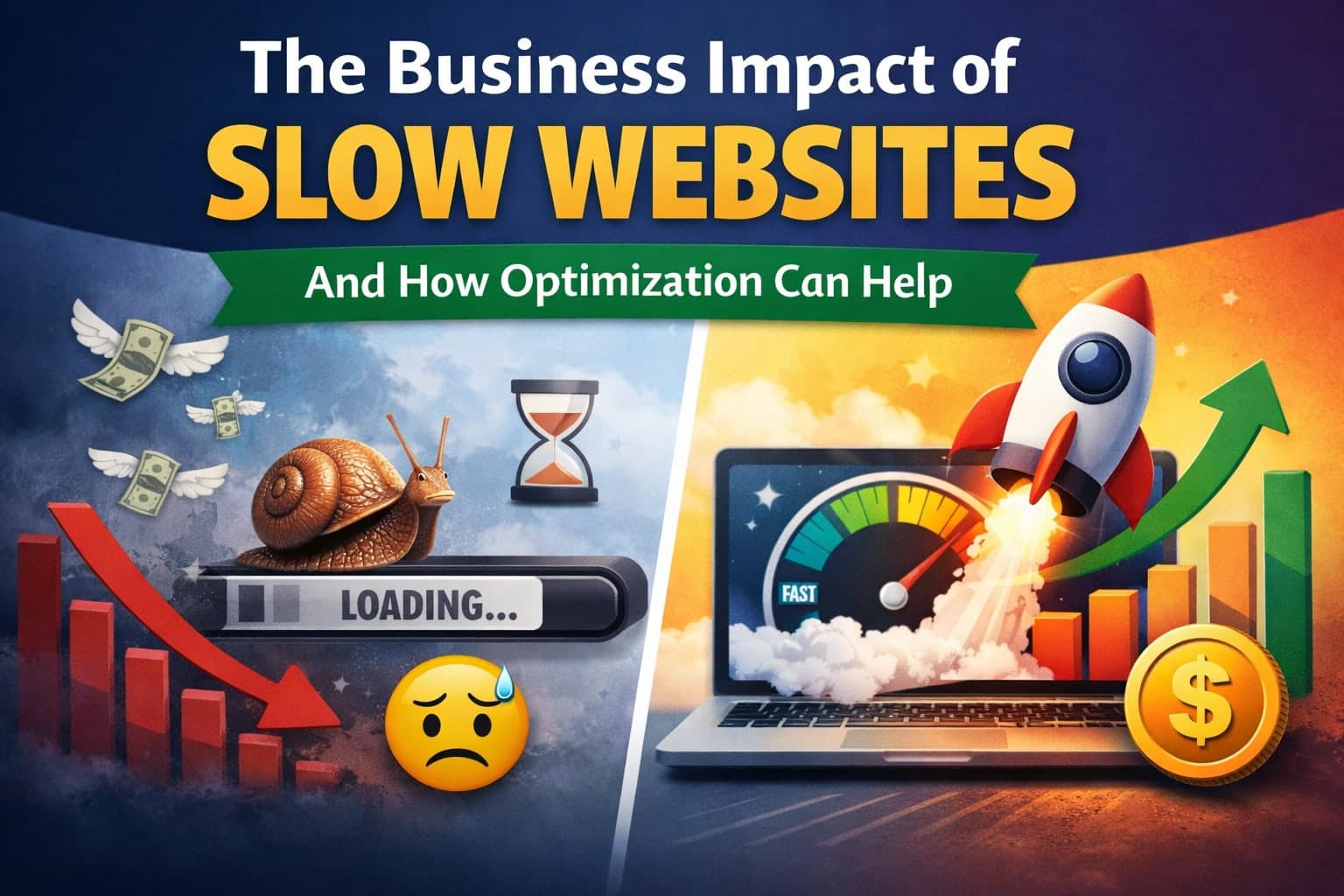
The Business Impact of Slow Websites and How Optimization Can Help
- By Md. Emamul Mursalin
- Updated
- 4 min read
Why website speed conversion rates matter for every business
When visitors land on a page that takes too long to load, many leave before they see what you offer. Website speed conversion rates drop dramatically once load time exceeds a few seconds. In my own projects, a three‑second delay cut conversions by nearly 30 percent, a pattern echoed across dozens of case studies.
Understanding the link between page load time and conversions is the first step toward fixing it. Faster pages keep users engaged, lower bounce rates, and give search engines a reason to rank you higher.
How slow load times hurt sales and brand perception
Research shows that each additional second of load time can shave up to 7 percent off revenue for eCommerce sites. Shoppers expect instant answers; a sluggish experience feels like poor service. I’ve seen retailers lose thousands of dollars in a single day because checkout pages took longer than a second to become interactive.
Beyond the direct loss, slow performance erodes trust. Users associate speed with reliability, so a lagging site can damage brand reputation long after the visitor has left.
Impact of load time on eCommerce conversion funnels
From product pages to the cart, each step adds load time. If the product detail page loads in 1.8 seconds but the cart takes 4 seconds, the drop‑off spikes at that point. By improving site speed for higher conversions at each stage, you can smooth the funnel and boost average order value.
In one experiment, reducing image size and enabling lazy loading cut the checkout page load from 3.9 seconds to 2.1 seconds, raising completed purchases by 12 percent.
Key performance metrics you should track
First, measure First Contentful Paint (FCP) and Largest Contentful Paint (LCP). These numbers tell you how quickly users see meaningful content. Second, watch Time to Interactive (TTI) to ensure the page responds promptly.
Tools like Google PageSpeed Insights, GTmetrix, and WebPageTest provide detailed breakdowns. I rely on these website speed testing tools to pinpoint bottlenecks before making changes.
Speed optimization best practices you can apply today
Compress images using modern formats such as WebP or AVIF.
Implement server‑side caching and a Content Delivery Network (CDN) to serve assets from locations close to users.
Minify CSS, JavaScript, and HTML to reduce file size.
Eliminate render‑blocking resources by loading scripts asynchronously or deferring them.
Adopt lazy loading for off‑screen images and iframes.
Applying these steps often yields a 20‑40 percent improvement in load time, which directly translates into higher conversion rates.
Real‑world example: Reducing bounce rate with faster loading
One client in the SaaS space saw a bounce rate of 68 percent on their pricing page. After moving static assets to a CDN, enabling HTTP/2, and trimming unused CSS, the page load dropped from 5.2 seconds to 1.9 seconds. Bounce rate fell to 42 percent, and sign‑up conversions rose by 18 percent.
This case highlights how reduce bounce rate with faster loading isn’t just a theory—it delivers measurable business results.
How page speed affects SEO and organic traffic
Search engines treat speed as a ranking factor. Faster sites earn better visibility, which brings more qualified visitors. In my experience, after a site’s load time fell below 2 seconds, organic traffic increased by 15 percent within a month.
Beyond rankings, a quick site improves user experience signals such as dwell time and click‑through rates, reinforcing the SEO benefit.
Website speed SEO benefits you can track
Higher rankings for target keywords.
Increased click‑through rates from SERPs.
Longer average session duration.
Lower organic bounce rates.
These metrics create a virtuous cycle: speed improves SEO, which brings more traffic, which then converts better because the experience remains smooth.
Choosing the right technology stack for performance
Frameworks matter. Lightweight libraries and server‑rendered pages often outperform heavy client‑side apps for critical content. I’ve found that using Next.js with static generation for product pages reduces server response time dramatically.
When a full‑stack solution isn’t feasible, consider edge computing platforms that execute code closer to the user, cutting round‑trip latency.
Continuous monitoring and iteration
Performance isn’t a one‑time fix. Set up automated monitoring with tools like Lighthouse CI or SpeedCurve to catch regressions early. Regularly review website performance optimization reports and adjust based on real‑world data.
Even small changes—like updating a third‑party script—can reintroduce latency. Ongoing vigilance ensures you keep the conversion gains you earned.
Bottom line: Faster sites drive higher revenue
Improving site speed for higher conversions isn’t a luxury; it’s a business imperative. By focusing on website speed conversion rates, applying best practices, and monitoring results, you can reduce bounce rates, boost sales, and strengthen SEO.
Start with a performance audit today, implement the quick wins, and watch your numbers climb.
Written by
Md. Emamul Mursalin
Freelance AI Product Developer
Free consultation
Building something like this?
I'm a freelance AI product developer in Rajshahi, Bangladesh, working remotely with clients worldwide. A free 30-minute call is enough to scope it.
Book a free 30-min callKeep reading
Related articles

- Hiring Guides
- 12 min read
Code Audit Cost in 2026: Real Prices From $249 to $20,000 and What Each One Buys
A code audit costs anywhere from $249 to $20,000+ in 2026. Here are published prices from real providers, what drives the number, and how to pick the tier you actually need.
- Developer Tools
- 10 min read
Best VS Code Extensions for NestJS in 2026: 13 That Earn Their Place
The VS Code extensions I actually run on NestJS projects in 2026, with install counts, what each one does, which popular ones are abandoned, and a copy-paste extensions.json.

- Developer Tools
- 11 min read
Nestor: A NestJS VS Code Extension That Puts the Docs and Design Patterns on Hover
Nestor is a free NestJS VS Code extension: 136 pages of official docs on hover, fully offline, plus Gang of Four pattern detection for your own classes. Here is what it does and why I built it.