

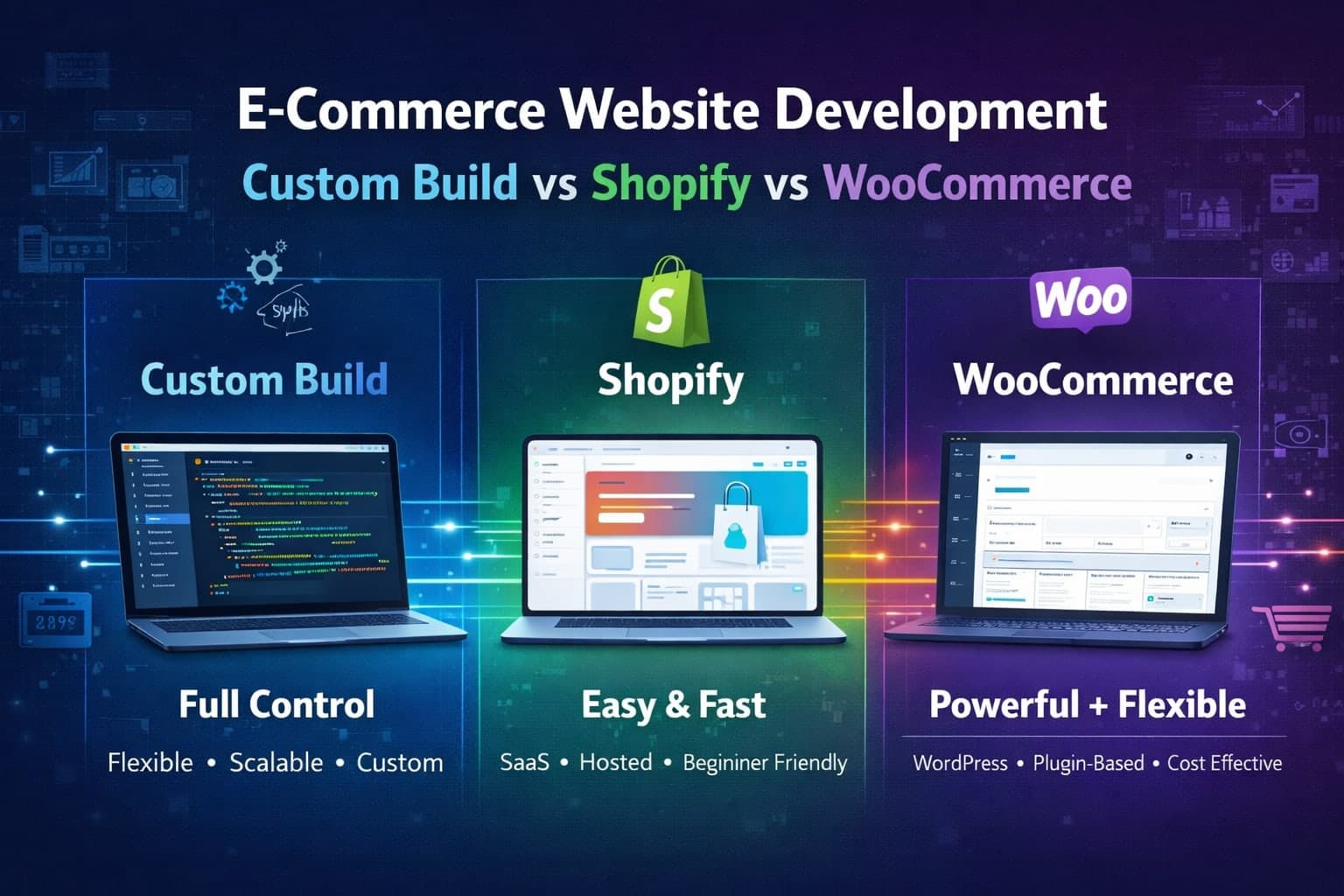
E-Commerce Website Development: Custom Build vs Shopify vs WooCommerce
- By Md. Emamul Mursalin
- Updated
- 3 min read
Three Ways to Build an Online Store
When clients come to me wanting an e-commerce site, the first question I ask is not what do you want it to look like. It is what are you selling and how does your business work. The answer determines which approach makes sense.
Option 1: Shopify
Best for straightforward product stores with fewer than 500 products. Cost: $39-399/month plus 2.4-2.9% per transaction. Shopify is the fastest way to get an online store running. You pick a theme, add your products, connect a payment method, and you are live.
Pros: Up and running in a day or two. Handles hosting, security, and payment processing. Huge app ecosystem. Good for non-technical store owners.
Cons: Monthly fees add up with apps. Transaction fees on top of payment processor fees. Limited customization without a Shopify developer. You do not own the platform. Custom checkout needs Shopify Plus at $2,000+/month.
Option 2: WooCommerce
Best for stores needing more flexibility than Shopify at lower monthly cost. Cost: $20-50/month for hosting. Free core plugin but premium extensions cost $50-300 each.
Pros: No monthly platform fees. Full ownership and control. Thousands of plugins. Better for content-heavy stores and SEO.
Cons: You handle hosting, security, and updates. Performance can suffer with too many plugins. Needs a developer for custom work. Regular maintenance required.
Option 3: Custom E-Commerce Build
Best for businesses with unique requirements that off-the-shelf platforms cannot handle. Cost: $5,000-30,000+ upfront. $50-200/month for hosting.
A custom build means the store is coded from scratch using Next.js, Node.js, and PostgreSQL. You get exactly what you need, nothing more, nothing less.
Pros: Complete control over every feature and interaction. No platform or transaction fees (just payment processor fees). Built to match your exact business logic: subscriptions, wholesale, multi-vendor, custom pricing. Better performance than template-based platforms. Full code and data ownership.
Cons: Higher upfront cost. Takes 4-12 weeks to launch an MVP. Requires a developer for changes and updates.
How to Decide
Selling standard products with standard pricing? Shopify or WooCommerce. Need custom business logic like tiered pricing, subscriptions, or marketplace features? Go custom. Budget under $5,000? Shopify for simplicity, WooCommerce for more control. Is SEO a priority? WooCommerce or custom. Need to scale to thousands of products? Custom handles scale better.
The Hybrid Approach
Some of my clients use Shopify for order management and payments with a custom Next.js frontend connected via the Shopify Storefront API. You get Shopify backend reliability with a fully custom user experience.
My Recommendation
If you are just starting out and want to validate your product, use Shopify. Get sales first, worry about the platform later. If you are already selling and hitting the limits of Shopify or WooCommerce (high fees, limited customization, slow performance), it is time to invest in a custom build.
I build custom e-commerce solutions for businesses that have outgrown off-the-shelf platforms. View my e-commerce services or book a call to discuss your store.
Written by
Md. Emamul Mursalin
Freelance AI Product Developer
Free consultation
Building something like this?
I'm a freelance AI product developer in Rajshahi, Bangladesh, working remotely with clients worldwide. A free 30-minute call is enough to scope it.
Book a free 30-min callKeep reading
Related articles

- Hiring Guides
- 12 min read
Code Audit Cost in 2026: Real Prices From $249 to $20,000 and What Each One Buys
A code audit costs anywhere from $249 to $20,000+ in 2026. Here are published prices from real providers, what drives the number, and how to pick the tier you actually need.
- Developer Tools
- 10 min read
Best VS Code Extensions for NestJS in 2026: 13 That Earn Their Place
The VS Code extensions I actually run on NestJS projects in 2026, with install counts, what each one does, which popular ones are abandoned, and a copy-paste extensions.json.
- Developer Tools
- 11 min read
Nestor: A NestJS VS Code Extension That Puts the Docs and Design Patterns on Hover
Nestor is a free NestJS VS Code extension: 136 pages of official docs on hover, fully offline, plus Gang of Four pattern detection for your own classes. Here is what it does and why I built it.